Your spreadsheet is probably wrong. Here is the research.
Studies of real business spreadsheets found errors in almost all of them. Why it happens, what it costs, and the signs a business has outgrown Excel.
Spreadsheets are one of the best tools ever made. They are cheap, flexible and almost everyone can use one. That is exactly why so many businesses end up running on them: stock, sales, payroll, debts, all in a file called something like "FINAL v3 (2)".
The problem is not that spreadsheets are bad. The problem is that nobody checks them.
What the research found
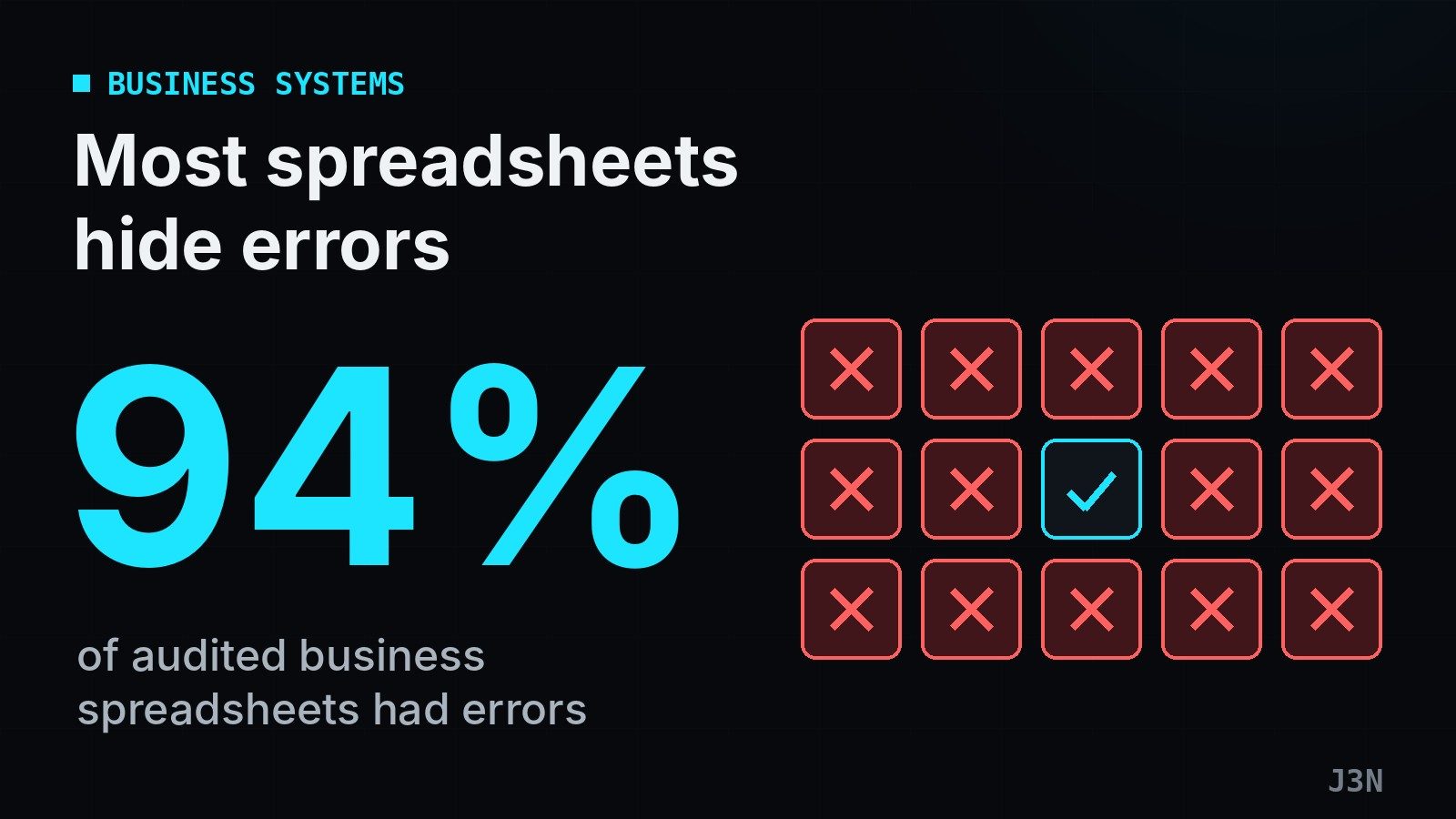
Professor Raymond Panko of the University of Hawaii spent years studying spreadsheet errors. When auditors examined real spreadsheets used in real organisations, they found errors in nearly all of them, about 94%. In one set of audits, 49 out of 54 spreadsheets had mistakes.
These are not only typing slips. They include formulas pointing at the wrong cell, ranges that miss the newest rows, numbers pasted over formulas, and logic that was wrong from the start.
Developers are overconfident, and policies are lax.
Raymond Panko, University of Hawaii
Why small mistakes become big ones
In lab studies, people get a small share of cells wrong, a few percent. That sounds acceptable until you remember how spreadsheets work. One cell feeds another, which feeds a total, which feeds a report. A single wrong cell near the top can change every number below it. The more connected the sheet, the more likely the final total is wrong.
And because the sheet still "works" (it shows a number), nobody notices.
What it can cost
The famous examples are large. A Canadian power company, TransAlta, took a charge of about US$24 million after a copy-and-paste error in a bidding spreadsheet. Small businesses rarely make the news, but the pattern is the same:
- stock that the sheet says exists, but does not,
- a customer balance that was paid but never updated,
- a price list with an old cost, so every sale loses money,
- two people editing two copies, and nobody knows which one is right.
Signs you have outgrown your spreadsheet
- More than one person edits it. Changes get overwritten, or copies multiply.
- Nobody fully trusts the totals. Month-end means checking everything by hand.
- You cannot tell who changed what. There is no history of edits.
- It takes hours to answer simple questions. "How much do customers owe us?" should take seconds.
- The person who built it is the only one who understands it. If they leave, the knowledge leaves too.
- It is getting slow or huge. Thousands of rows and dozens of tabs.
If three or more of these sound familiar, the spreadsheet is no longer saving time. It is costing it.
What a proper system does differently
A business system is not magic. It simply removes the conditions that cause spreadsheet errors:
- One record for each thing. A sale is entered once, and stock, invoices and reports all read from it.
- Checks on entry. You cannot sell stock you do not have, or record a payment larger than the invoice, without a warning.
- Roles. Staff see and change only what they need to.
- A history. Every change shows who made it and when.
- Reports that add up. Totals come from the records themselves, not from a formula someone typed in 2022.
If you are not ready to move yet
Make your spreadsheets safer today:
1. Keep one master file in one shared place, never copies on laptops.
2. Lock formula cells so they cannot be typed over.
3. Add a simple check: a total that should equal another total, highlighted red if it does not.
4. Have someone else review important sheets before decisions are made from them.
These steps reduce the risk. They do not remove it. When the business depends on the numbers, it deserves a system built to keep them right.
From our work: when we replace a spreadsheet, the first thing we build is usually not a screen but a check: a warning before stock goes below zero, or before a payment is recorded that is bigger than the invoice.
Sources
- Raymond R. Panko, Sarbanes-Oxley: What about all the spreadsheets? (audit findings)
- Raymond R. Panko, What we don't know about spreadsheet errors today
- Computerworld, Audits find errors in 49 out of 54 spreadsheets (TransAlta example and quote)